Copilot Studio
 M365 Copilot
 Copilot Cowork
 Autopilots
 Governance
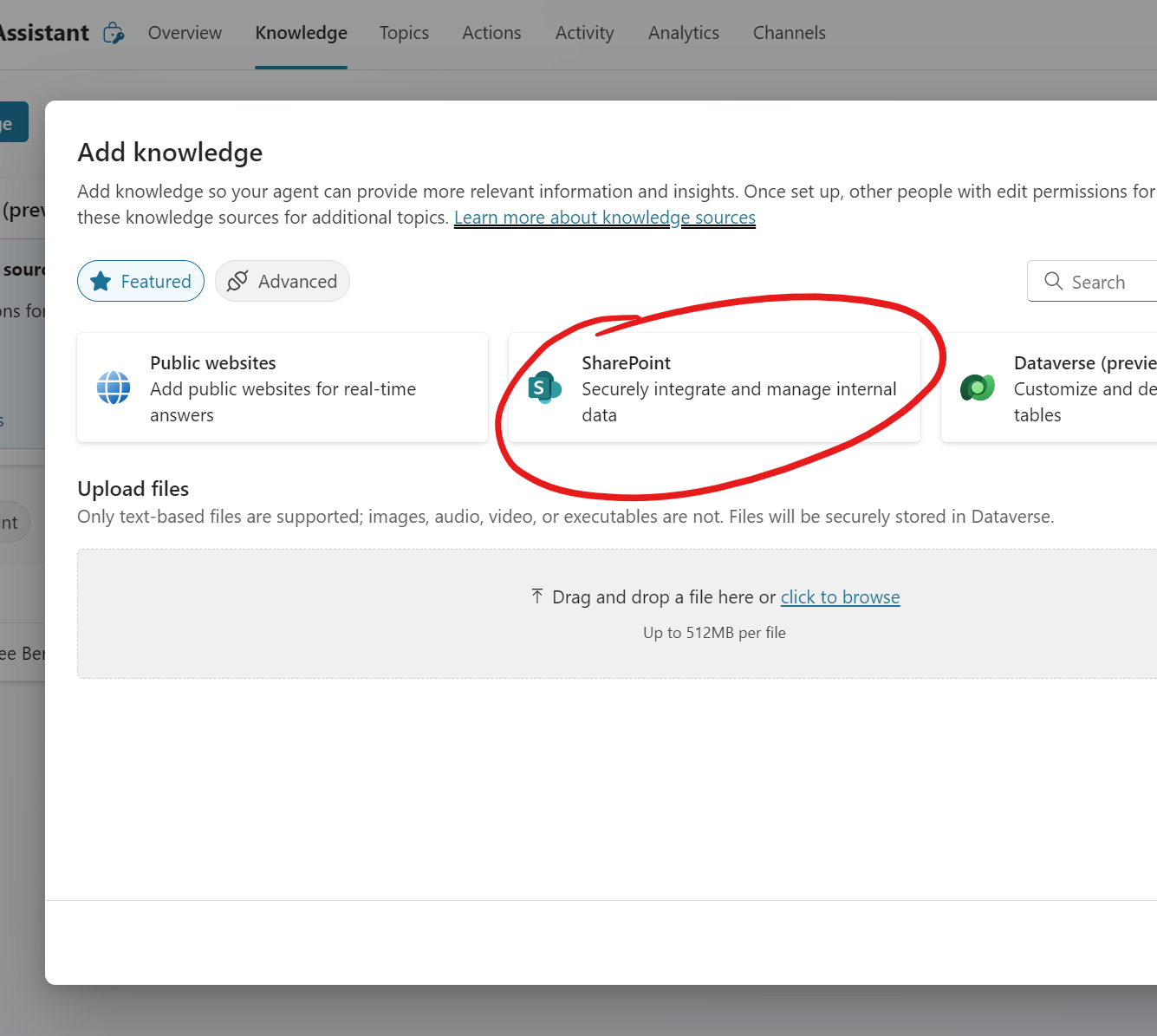
When you add a new Knowledge source in your agents, you can go back to the Knowledge page and see which ones are ready to use and which ones aren't.
Public websites tend to be the quickest because when they're called upon, it's basically a Bing search restricted to results from that public website. It doesn't pre-crawl the website nor does it preemptively read every page from end-to-end.
If you upload a file, depending of the size you can expect a few minutes or sometimes much longer before this Knowledge source displays Ready for its Status. While the delay may be frustrating, at least you know it's not ready until you see the green checkmark under Status.
However, when you choose a SharePoint site or files within SharePoint as your Knowledge source, you are falsely misled into thinking it's ready to go almost as quickly as you've added the URL. But the reality is, it takes time to index and I've seen it take a similar amount of time as files before your Agent can answer questions using it. While this is not in itself an issue, the problem is that the Status will show the green checkmark and Ready even when it really isn't.
Bottomline: If you're grounding your Agent in a knowledge source from SharePoint, exercise patience. It won't work right away, and it's not because you've done something wrong or your knowledge is bad. It's just not ready to go.