Copilot Studio
 M365 Copilot
 Copilot Cowork
 Autopilots
 Governance
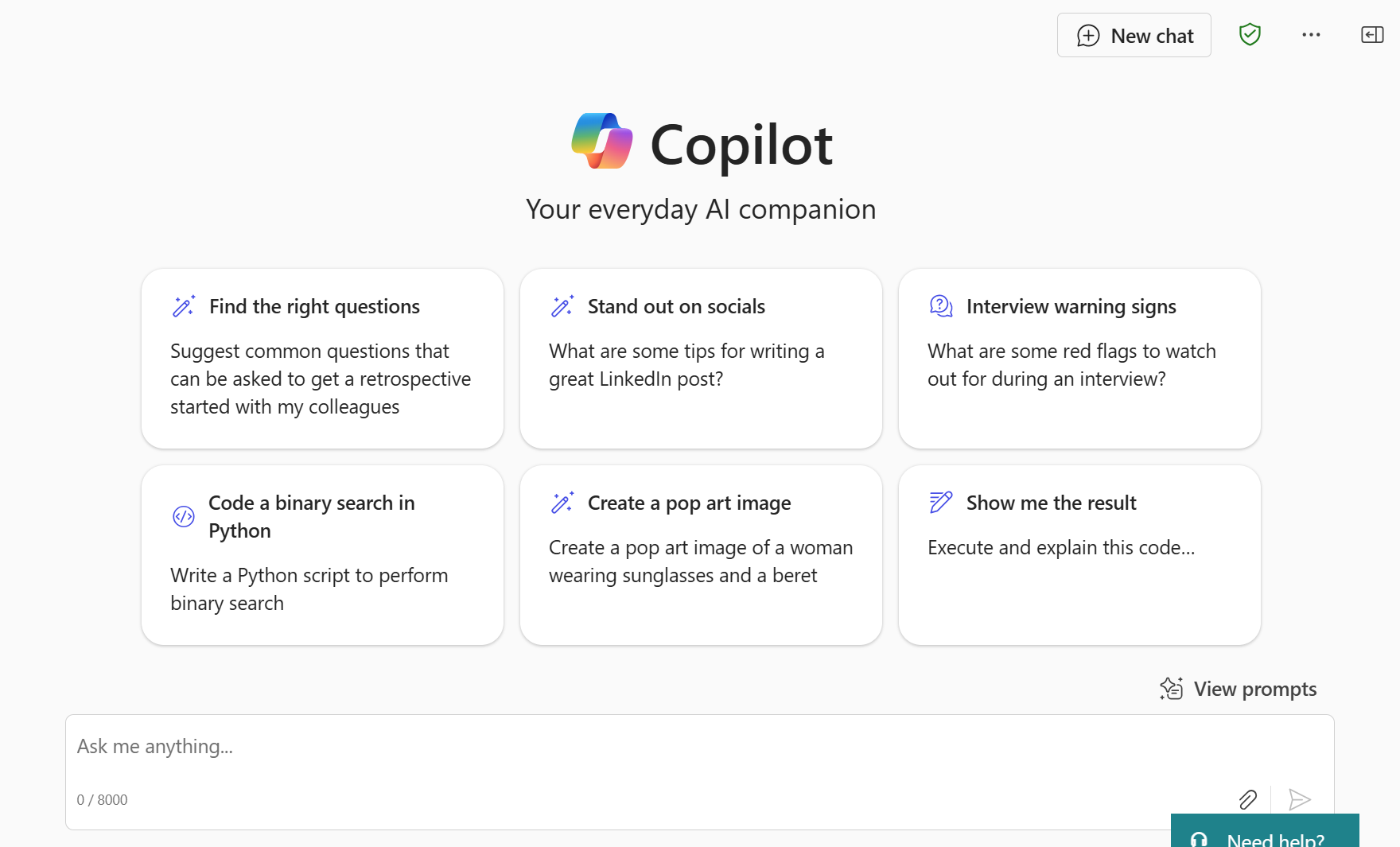
Just when you thought you had all the acronyms and names figured out, there's a new one to learn. This time, it's Copilot BizChat.
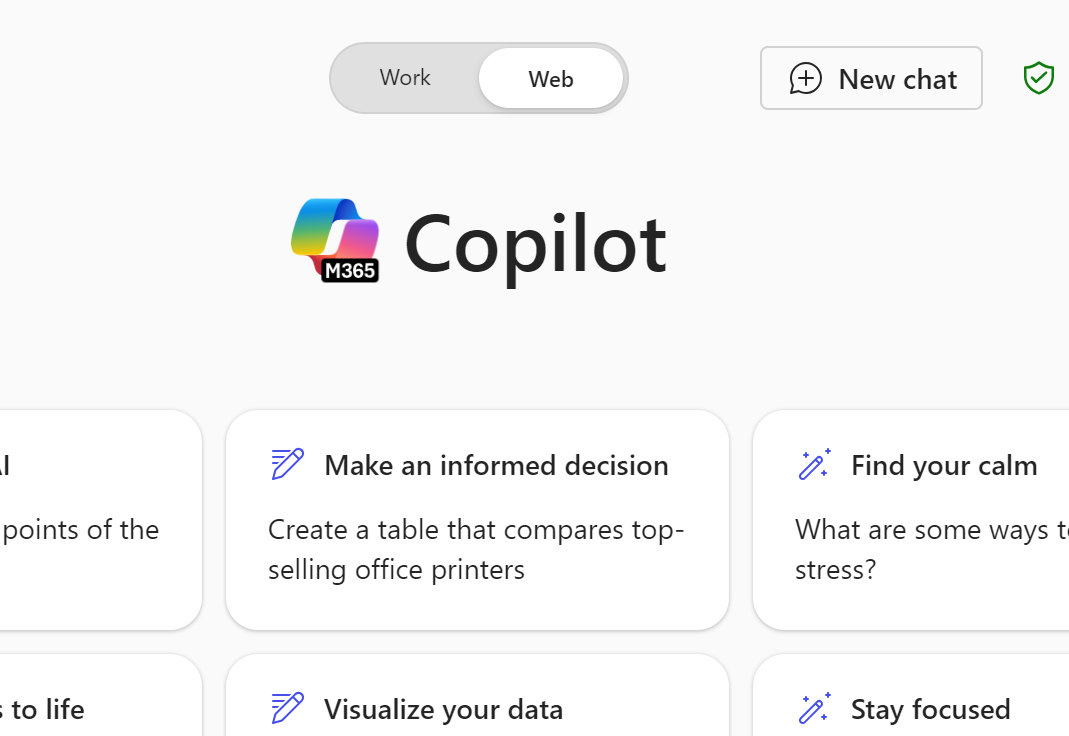
Short for Business Chat, it's the Copilot chat experience that is available at https://microsoft365.com/copilot or from the Microsoft 365 portal when you click the Copilot icon.
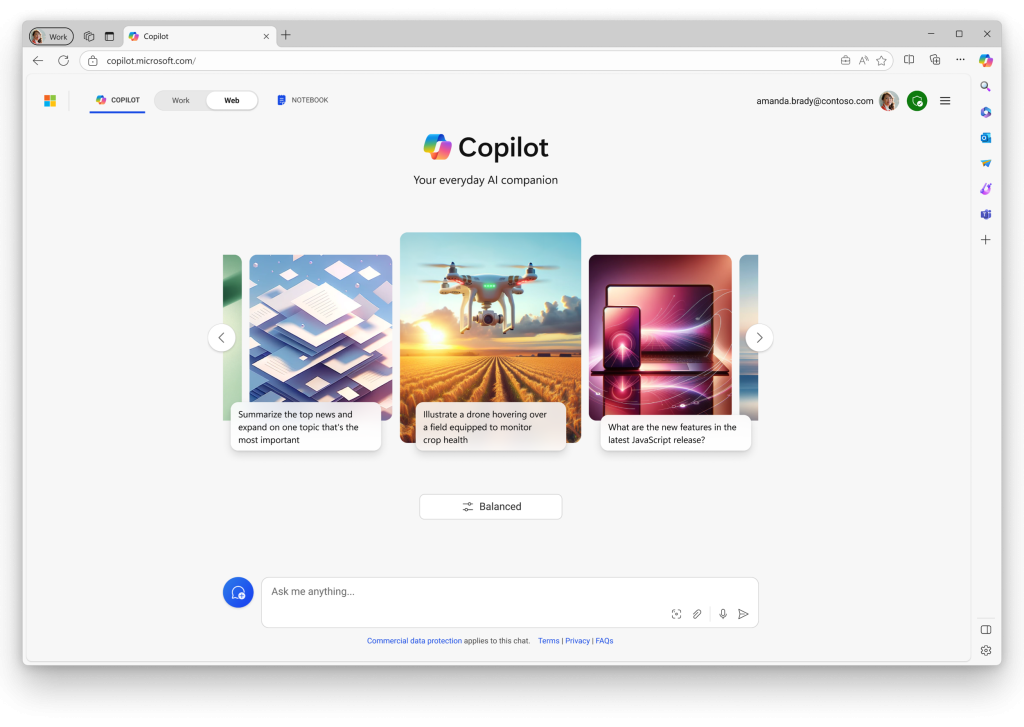
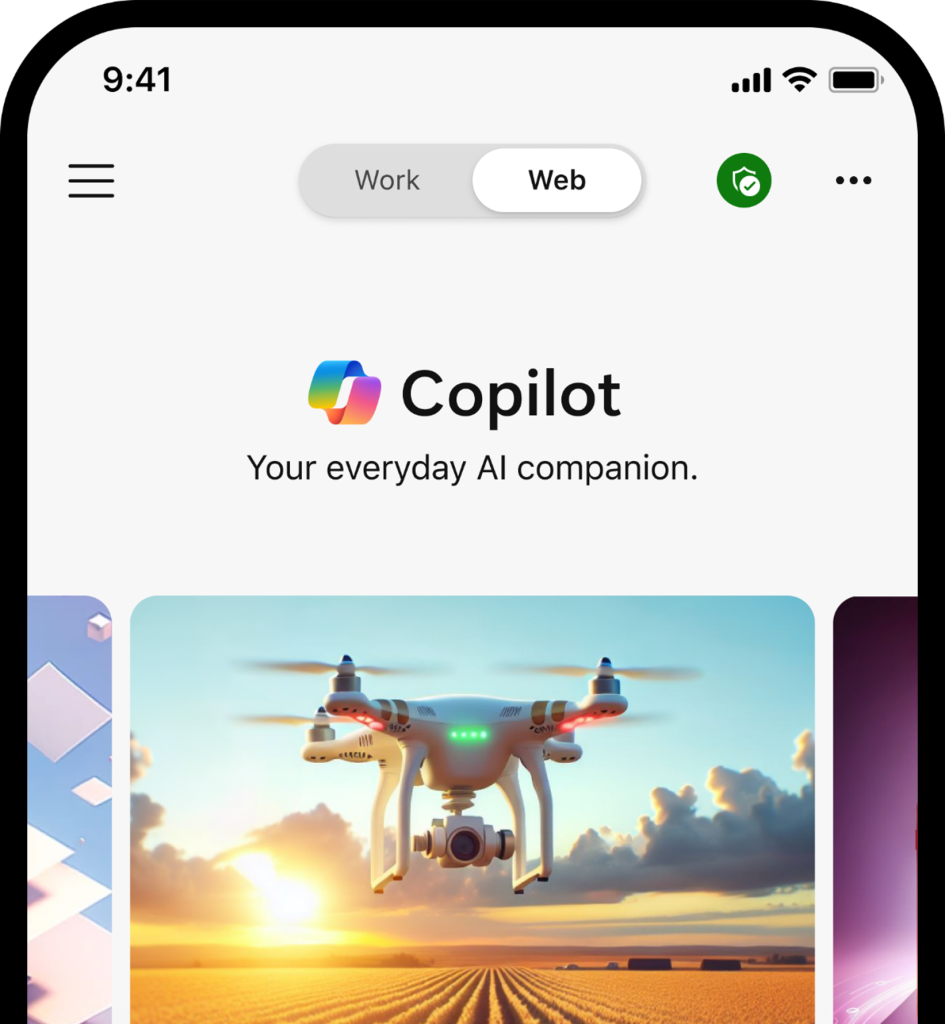
BizChat requires that you are signed in to your Microsoft 365 Work or School account with your Entra ID, and it offers you Enterprise Data Protection (EDP), which is indicated by the presence of a green shield icon near the top right. You can learn more about EDP here.
If you have a paid M365 Copilot license, you will also see a Work and Web toggle near the top of the page.
- The Work experience allows Copilot to access documents from your work that are in your OneDrive, SharePoint, etc. that you have proper permissions for.
- The Web experience is for general conversations with Copilot (much like you'd use ChatGPT, Gemini, etc.), but your information is still secure.
Users without a M365 Copilot license only get access to the Web experience of Copilot BizChat.
With the Release Wave 2 of Copilot a few months ago, the Copilot BizChat experience available to business and enterprise customers forks away from the consumer (or personal) version of Copilot which can be accessed without a user account or with your personal Microsoft account (e.g., Hotmail or Outlook.com login).
A few differences between Copilot BizChat and the consumer version of Copilot are:
- The consumer version of Copilot does not offer EDP, although Microsoft still follows its Responsible AI principles in both experiences.
- The consumer version of Copilot provides a more vibrant and engaging UI, and is capable of human-like voice conversational interactions with the user.
Note: On January 15, Microsoft announced a major rebranding update sunsetting the Copilot BizChat name and replacing it with Copilot Chat. Along with rebrand, Microsoft also announced the addition of a slate of new free and PAYG features. You can read all about it in our article about the announcement here.